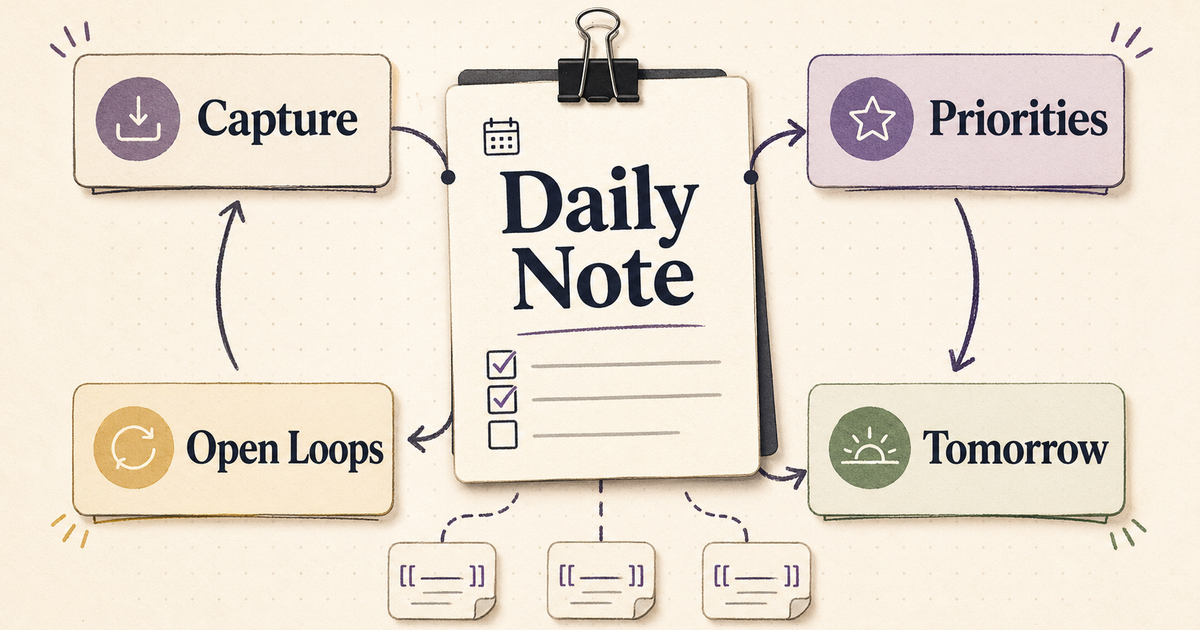
My daily note stopped working when it became a dumping ground.
Tasks, meeting fragments, ideas, links, reminders, and stray opinions all landed in the same note. The page felt useful at 10 a.m. By 6 p.m., it was a junk drawer with a date on it.
The fix was smaller than I wanted it to be: give the daily note one job.
For me, that job is simple. Capture the day while it is happening, then close the day with enough structure that tomorrow starts clean.
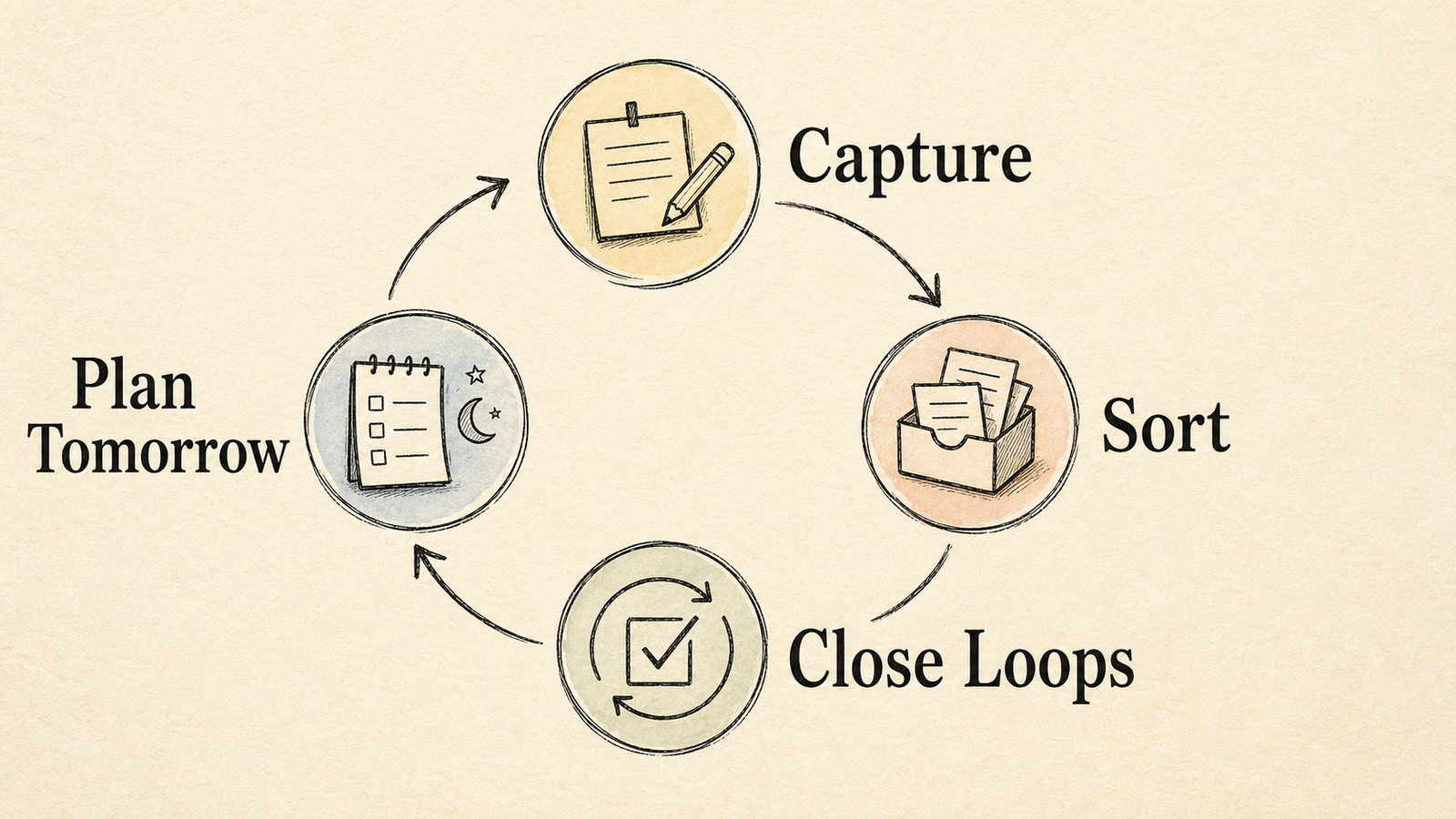
If you came here looking for an Obsidian daily note template, start with this version. It is plain Markdown. It works with Obsidian's core Daily notes and Templates plugins, and it gives you a useful end-of-day review without turning every note into a productivity ceremony.
The daily note needs a job
I use a daily note for four things:
- Decide what matters today.
- Catch loose inputs before they disappear.
- Close open loops before they become invisible.
- Leave tomorrow with a small plan.
That is enough.
A daily note becomes brittle when it tries to replace your project notes, task manager, calendar, CRM, journal, and weekly review. Keep those systems separate if they already work. The daily note should be the front desk: it receives the day, sorts what came in, and passes the right work to the right place.
That framing changes the template. I do not need twenty headings. I need the few headings I will still respect when I am tired.
The template
Here is the version I would paste into Obsidian first:
---
tags:
  - daily
date: "{{date:YYYY-MM-DD}}"
---

# {{date:YYYY-MM-DD}}

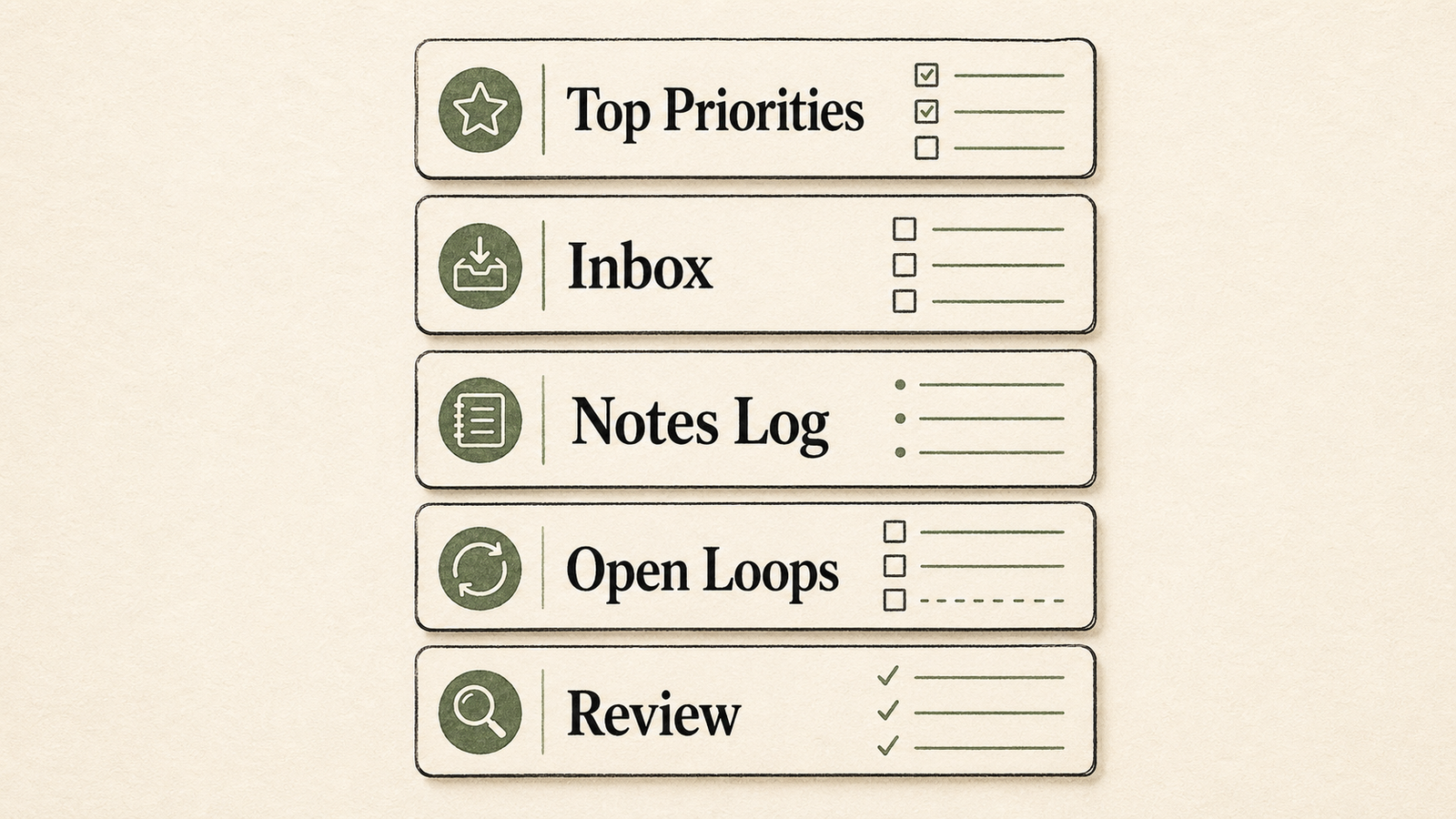
## Top priorities
- [ ]
- [ ]
- [ ]

## Inbox
-

## Notes log
-

## Open loops
- [ ]

## End-of-day review

### Recap
-

### Carry forward
- [ ]

### Tomorrow
-
The shape matters more than the exact labels.
Top priorities forces a choice before the day scatters. Inbox gives you a safe place for raw material. Notes log catches what happened. Open loops keeps unresolved work visible. End-of-day review turns the note into a bridge between today and tomorrow.
How to install it in Obsidian
Obsidian's Daily notes plugin can create a note from a template. The official docs describe the setup path: create a template note, then set it under the Daily notes plugin options as the template file location.
I usually set it up like this:
Templates/
  Daily.md

Daily/
  2026-04-25.md
  2026-04-26.md
Then in Obsidian:
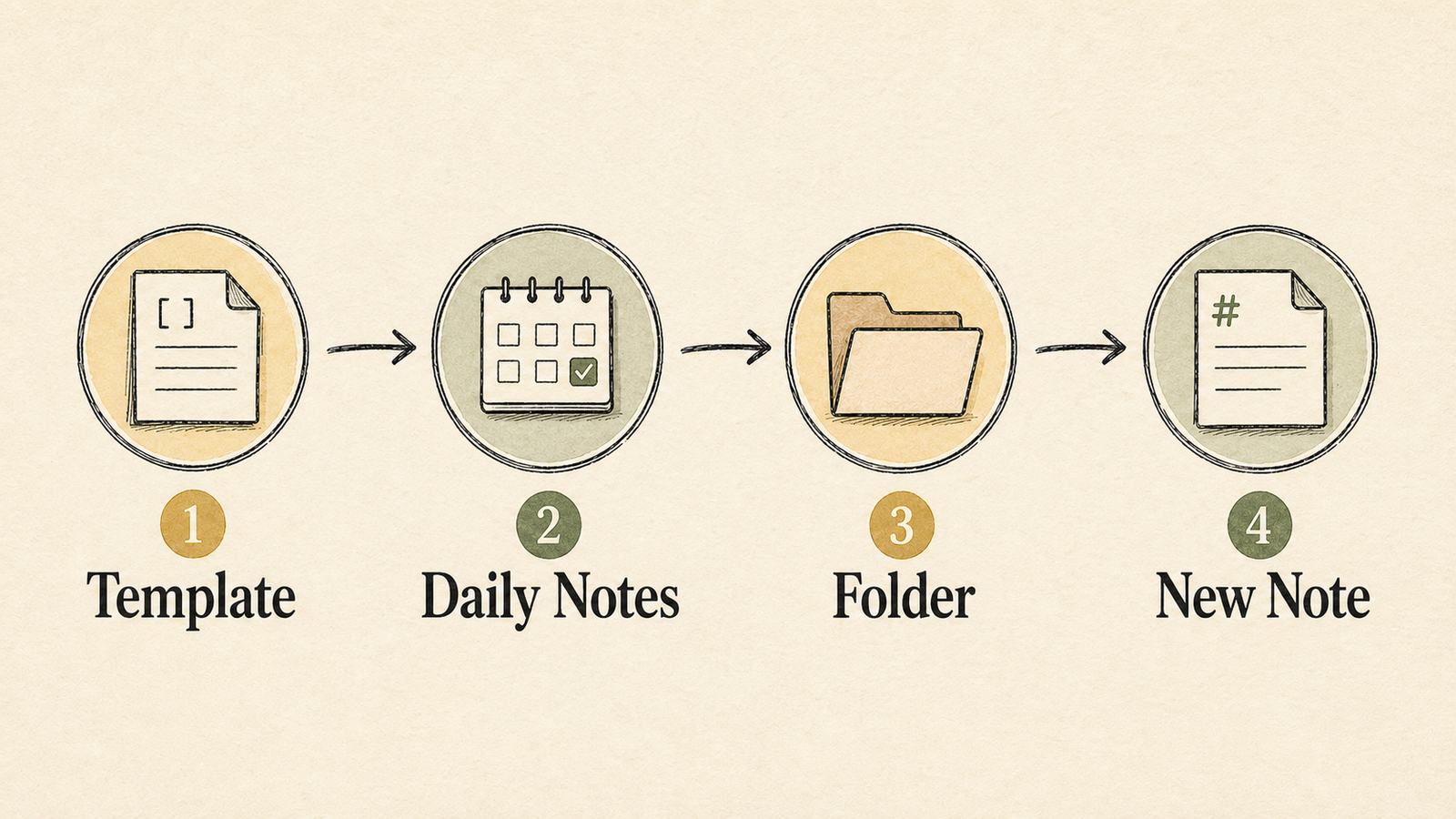
- Enable the Daily notes core plugin.
- Enable the Templates core plugin.
- Put the template in
Templates/Daily.md. - Set Daily notes to create new notes in
Daily/. - Set the Daily notes template file location to
Templates/Daily.md.
Obsidian supports template variables like {{date}}, {{time}}, and custom date formats such as {{date:YYYY-MM-DD}}. If you prefer a different naming system, change the title line and the date property to match it.
Why I include frontmatter
I include a tiny frontmatter block because it gives future systems something clean to read:
---
tags:
  - daily
date: "{{date:YYYY-MM-DD}}"
---
Obsidian stores properties as YAML at the top of the file, and its Properties documentation covers the supported types. For daily notes, a date property and a daily tag are usually enough.
Resist the urge to add twelve metadata fields. If the property does not drive search, filtering, automation, or review, skip it.
The sections that earn their place
Top priorities
Three checkboxes are plenty. One is better on hard days.
I write these before I process messages or open the backlog. If I wait until the day is already loud, my priorities become a summary of other people's requests.
Inbox
This is the messy section by design.
Use it for anything you do not want to lose: meeting fragments, links, quick thoughts, tasks you cannot triage yet, names, questions, and reminders. Keep it loose while the day is moving. Clean it during the review.
Notes log
The notes log records events. Tasks already have their own sections.
I use it for decisions, conversations, progress, stuck points, and context I may need later. If I met with someone, made a technical choice, found a bug, or changed direction on a project, it goes here.
Open loops
Open loops are promises with no home yet.
That can mean a follow-up, a decision, a half-written task, a file to move, a note to clean, or a question that needs an answer. The daily note should make these visible before they harden into background anxiety.
End-of-day review
This section turns the note from capture into closure.
The recap is short. The carry-forward list moves unfinished work into tomorrow or another trusted place. The tomorrow section names the first shape of the next day.
I do not try to finish the day perfectly. I try to make the next start less expensive.
A tasks-heavy version
If you use Obsidian as a task hub, this version gives you more structure without making the note huge:
---
tags:
  - daily
  - review
date: "{{date:YYYY-MM-DD}}"
---

# {{date:YYYY-MM-DD}}

## Today
- Main outcome:
- Energy:

## Priority tasks
- [ ]
- [ ]
- [ ]

## Waiting on
- [ ] Person or project:

## Inbox
-

## Decisions
-

## End-of-day review
- Win:
- Stuck point:
- Carry forward:
- First task tomorrow:
The Waiting on section is the sleeper feature. It stops external dependencies from vanishing. The Decisions section also pays off later because it gives semantic search, backlinks, and future reviews something factual to find.
What to keep out of the template
I avoid four things:
- Mood trackers I will not maintain.
- Habit lists that belong in a habit app.
- Huge reflection prompts that make the daily note feel like homework.
- Project-specific sections that should live in project notes.
If a section creates guilt more often than clarity, remove it.
Templates should lower friction. They should not create a second job at the end of the day.
Use the generator if you want a faster start
The template in this article is plain Markdown so you can copy it directly, choose checkbox or bullet tasks, and add frontmatter only if your vault needs it.
Use the generator if you want the template without editing a code block by hand.
After that, pair it with the vault workflows guide. The template gives the note structure; the workflow turns the note into a recap, prioritized tasks, and tomorrow's plan with review before anything gets written back.
Definition of done
I know the setup is working when three things happen:
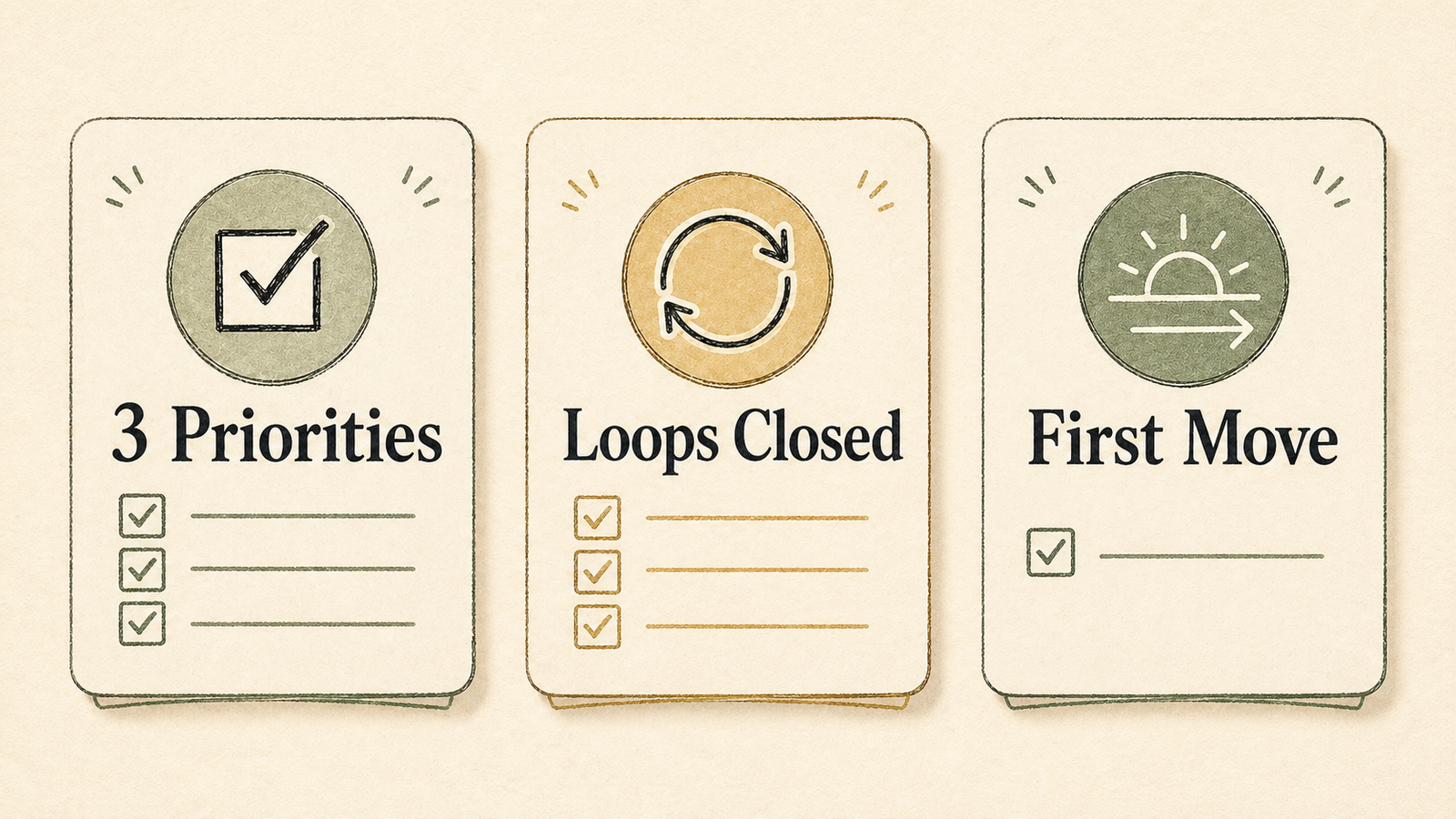
- Today's top priorities fit in three checkboxes or fewer.
- Open loops have a visible home before I stop working.
- Tomorrow has one obvious first move.
That is the daily note setup I trust: simple capture during the day, visible loops at the end, and a cleaner start tomorrow.
If you want SystemSculpt to help run that review loop inside your vault, start with SystemSculpt for Obsidian.